How Fast Does Your Recruiting Software Pick Up The Phone?
A candidate is hours from accepting a counter offer and your system won’t cooperate. What does waiting in a ticket queue cost a boutique recruiting firm, and why does support response time so rarely make the software shortlist? Here are PCRecruiter’s support numbers, plus four checks you can run on any vendor before you sign.
It’s 3:40 on a Thursday afternoon. Your candidate has cleared every interview, the client is ready to sign, and her current employer put a counter offer in front of her this morning. You have a few hours, maybe less, to get your offer out while she’s still leaning your way.
Then your system won’t do what it should. The offer template won’t pull in the right fields. A record won’t move to the next stage. It’s a small thing, the kind of problem that normally takes two minutes to sort out, but today you can’t sort it out yourself.
So you open a support ticket. And you wait.
What That Hour Is Worth
You probably know your own numbers better than we do, but let’s run a rough example. Say your fee is 20% of a $90,000 salary. That’s an $18,000 placement. If a stalled afternoon gives the counter offer room to win, that is what the delay costs you, and it won’t appear on any invoice from your software provider.
At a large agency, someone else usually chases the vendor while the recruiters keep working. There’s an operations lead or a systems admin. At a boutique firm of 10 or 15 people, there often isn’t. The person waiting on the ticket is also running the search, managing the client and doing next quarter’s business development. When they stop, a good part of the firm stops with them.
It isn’t only the fee, either. The client watched you lose a candidate at the final step, and the candidate may remember that your offer arrived late. Neither of those shows up in a report. A boutique firm lives on repeat business and referrals, though, so they can end up costing more than the placement itself.
Here’s a question worth sitting with. The last time you evaluated recruiting software, did support response time make your list at all? If it didn’t, I think you’re in good company. Features and price get the attention during the buying process. Support tends to get noticed later, usually on an afternoon like this one.
Why You Rarely See A Number
Look through a handful of ATS and recruitment CRM websites and you’ll find feature lists, integration logos and, more and more often, pricing. What you’ll rarely find is a published figure for how quickly a real person responds when something breaks.
Email-only support and ticket queues are common in this category. That isn’t a scandal. Phone support staffed by people who know the product is expensive to run, and a queue costs less. It does create a gap, though. You choose a system on features, then you live with it on support, and perhaps only one of those was visible when you signed the contract.
So Here Are Ours
We think you should be able to see this before you commit to anything, so here is what PCRecruiter support looks like today:
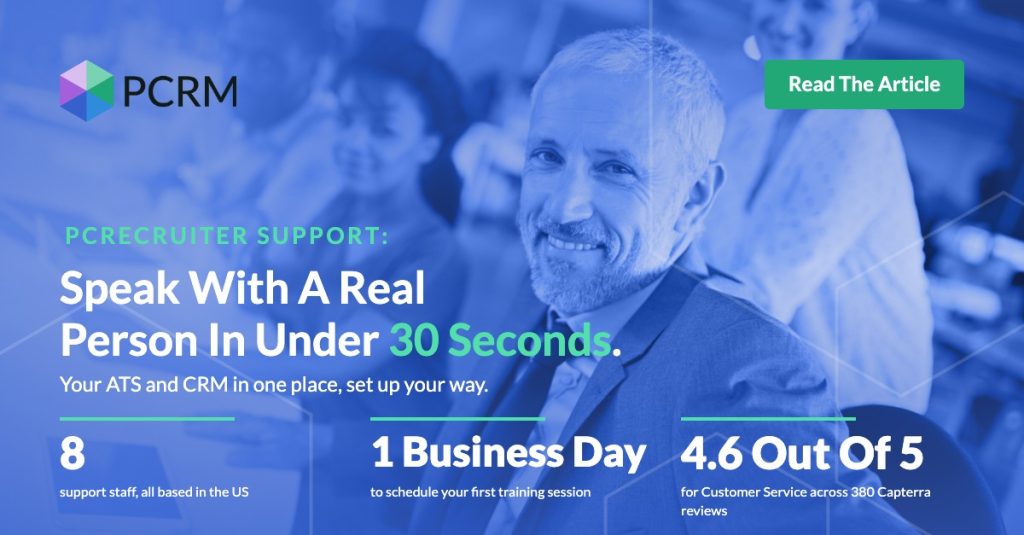
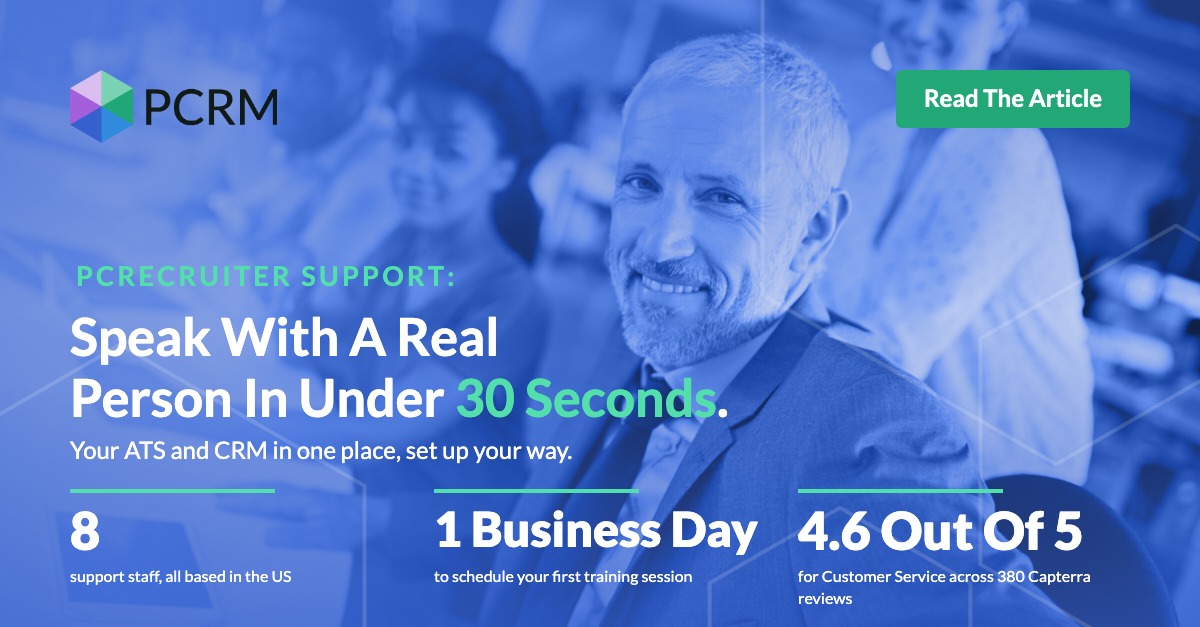
Calls answered by a real person in under 30 seconds.
First training for new customers scheduled within one business day.
Eight support staff, all based in the US.
A little detail on each, because the wording matters. Under 30 seconds is the time it takes to reach a person on the phone. One business day is how quickly your first training session gets booked onto the calendar, at a time that works for your team. And those eight people make up the largest team in our company, which probably tells you where we put our effort.
None of these numbers are new to us. They’re the standards our support team already works to every day. The only difference is that we’re putting them somewhere you can check them, before you’ve signed anything rather than after.
What Our Customers Say
You don’t have to take our word for any of it. On Capterra, PCRecruiter holds a rating of 4.6 out of 5 for customer service across 380 reviews. It’s the highest-rated category on our profile.
We’ve been serving recruiters since 1998. A lot about recruitment technology has changed in that time. Needing an answer before the end of the day hasn’t.
How To Test Support Before You Sign
Whichever system you end up choosing, it’s worth giving this an afternoon. Here are four checks you can run on every option on your shortlist, including us.
Call the support line as a prospect. Not the sales line, the support line. Time how long it takes to reach a person. If you can’t find a support number at all, that tells you something too.
Ask for response times in writing, and ask what counts as a response. An automated email with a ticket number probably shouldn’t count.
Ask who answers. Where is the team based, and how well do they know the product your recruiters will use every day?
Ask about onboarding. How soon after signing does your first training get booked, and who runs it?
It might feel like a lot of effort for something that never shows up in a feature comparison. But these answers tell you what a bad Thursday afternoon will look like a year from now, and a feature list can’t tell you that.
Let’s Talk It Through
If you’re weighing up a new ATS or recruitment CRM, or you’re simply tired of waiting on tickets, we’d be glad to talk. It doesn’t need to be a feature tour. It can just be a conversation about how your firm works, where things slow down and whether PCRecruiter is a good fit for you.
Bring your own questions, too. If there’s a problem you’re living with right now, that’s usually the best place to start.
Years of candidate history is the main reason firms stay on software they’ve stopped liking. Here’s a practical guide to moving safely: what to export first, what doesn’t come across on its own, and the questions to ask before you switch.
“Your data is yours” is easy to say. Here’s how it works at PCRM: a private single-tenant database, an independent SOC 2 examination, a clear line on AI training, and plain answers on what happens if you leave.
A candidate is hours from accepting a counter offer and your system won’t cooperate. What does waiting in a ticket queue cost a boutique recruiting firm, and why does support response time so rarely make the software shortlist? Here are PCRecruiter’s support numbers, plus four checks you can run on any vendor before you sign.