Industry
Recruitment Software Basics


If you’re looking into implementing recruitment software for your company, you’re probably wondering where to start. Click here to learn more.
According to an article by Streetdirectory.com, software packages usually come in three types: front office candidate and client and vacancy matching software, back office payroll and invoicing software, and all-in-one software. The last combines the functions of the first two.
Front office software also can be known as recruitment database software, candidate and job matching software or executive search software. However, the function of these different types of software is basically the same.
The main purpose of the software is to store information about clients, candidates and vacancies, as well as enable you to match the best possible candidate with a vacancy in the shortest amount of time, therefore saving money.
Back office recruitment software is typically for your company’s payroll and invoicing functions. This type of software is mainly used by temp agencies that have to pay temp workers on a regular basis or large companies with a lot of employees. The software usually runs on a time sheet-based system.
Finally, any recruitment software you invest in also should include event logging and reporting facilities, which allow you to see anything that happens in the system and analyze its effectiveness.
In the end, the recruitment software you choose should offer scalability and connectivity. If your company is growing, the software should be able to grow with you. You also should be able to upgrade or change the software to meet your needs.

Years of candidate history is the main reason firms stay on software they’ve stopped liking. Here’s a practical guide to moving safely: what to export first, what doesn’t come across on its own, and the questions to ask before you switch.
Read more
“Your data is yours” is easy to say. Here’s how it works at PCRM: a private single-tenant database, an independent SOC 2 examination, a clear line on AI training, and plain answers on what happens if you leave.
Read more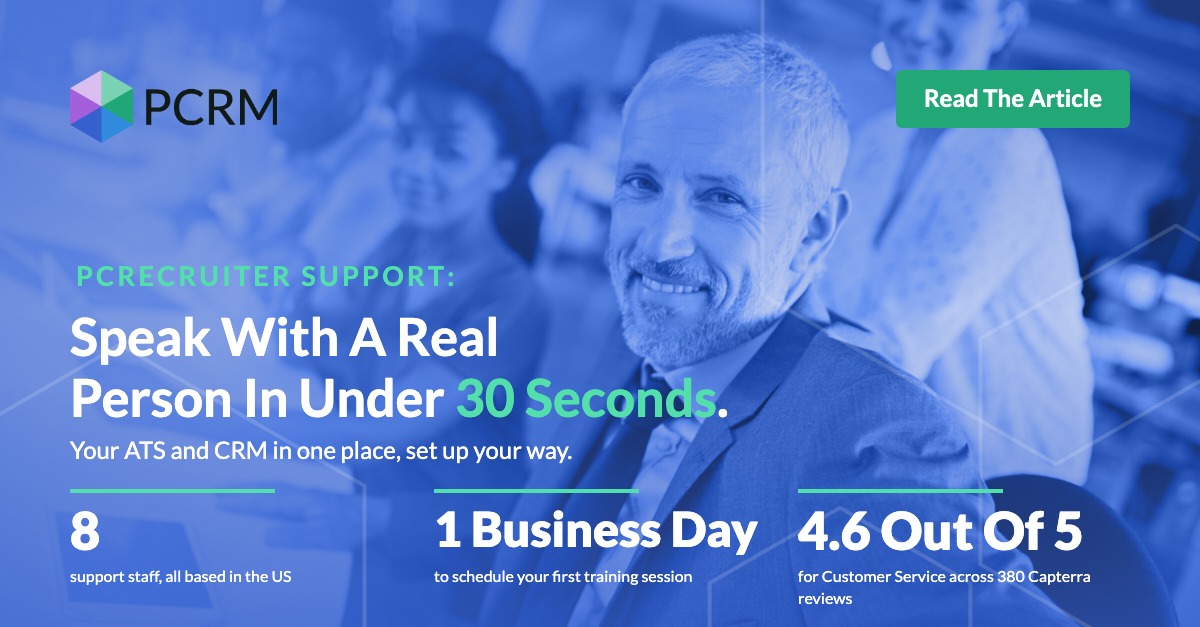
A candidate is hours from accepting a counter offer and your system won’t cooperate. What does waiting in a ticket queue cost a boutique recruiting firm, and why does support response time so rarely make the software shortlist? Here are PCRecruiter’s support numbers, plus four checks you can run on any vendor before you sign.
Read moreWhether you're just getting started or an industry vet, we'd like to help.