Industry
ATS and Your Resume


If you’re a job seeker, chances are you’ve been applying for jobs online. Whether you’re aware of it or not, chances are that your resume is being filtered through an applicant tracking system before it ever even has the opportunity to reach a human being.
As we discussed in a previous post, most companies in today’s hiring world send resumes through applicant tracking systems before they ever get read by human eyes. While it might not be very beneficial to job seekers, an ATS helps the company to create efficiencies in the hiring process.
Job seekers who are unaware of ATS are often baffled when they spend countless hours submitting their resume online, only to hear nothing in return. Even people with good work experience and strong employment backgrounds can slip through the cracks.
However, you can prevent this from happening simply by changing the format of your resume. According to an article by San Francisco Chronicle, most job seekers are familiar with the three traditional resume formats, which include chronological, functional and curriculum vitae. However, those applying for jobs online should use a new resume format, called the plain text resume.
While a plain text resume is often not pleasant to the human eye, software tracking systems are drawn to the format, as long as it includes specific keywords outlined in the job posting. Keywords are usually phrases, industry terms and technical skills an employer is interested in.
When creating a plain text resume, you also should embed keywords throughout the document, including in your summary, accomplishments, education, certification and role descriptions sections. Plain text resumes should be written in a simple font, such as Times New Roman or Arial. In addition, headings, employers’ names and job titles should be capitalized to help them better stand out.
Years of candidate history is the main reason firms stay on software they’ve stopped liking. Here’s a practical guide to moving safely: what to export first, what doesn’t come across on its own, and the questions to ask before you switch.
Read more
“Your data is yours” is easy to say. Here’s how it works at PCRM: a private single-tenant database, an independent SOC 2 examination, a clear line on AI training, and plain answers on what happens if you leave.
Read more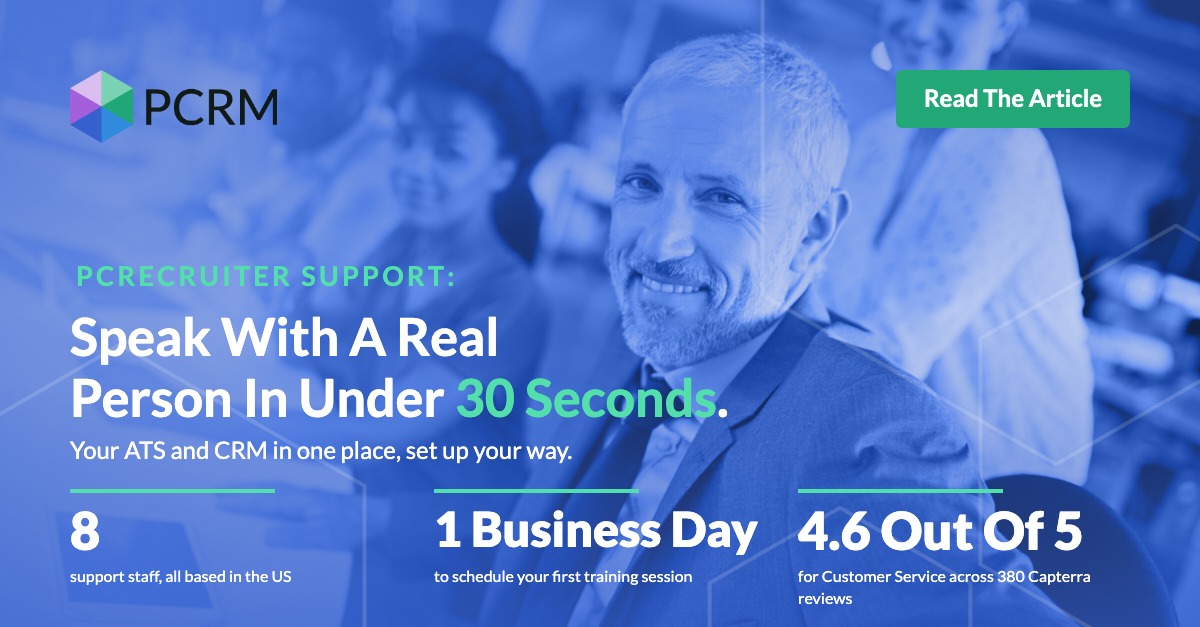
A candidate is hours from accepting a counter offer and your system won’t cooperate. What does waiting in a ticket queue cost a boutique recruiting firm, and why does support response time so rarely make the software shortlist? Here are PCRecruiter’s support numbers, plus four checks you can run on any vendor before you sign.
Read moreWhether you're just getting started or an industry vet, we'd like to help.